

ADP vs Homebase: How Does Sunrise HCM Compare?
If you're comparing ADP vs Homebase, you're looking at two platforms that don't compete on the same ground. Homebase built its name on shift scheduling and hourly team management. ADP has been processing payroll since 1949 and is the largest provider in the country. The overlap (mostly payroll and basic HR) is what's driving the comparison, but the differences are significant enough that the right answer depends entirely on what your team actually needs. This guide breaks down what both platforms deliver, where each one falls short, and where Sunrise HCM fits as a Salesforce-native third option worth including in the evaluation.
ADP vs Homebase vs Sunrise (Quick Comparison)
Here's how the ADP vs Homebase vs Sunrise HCM comparison looks across the dimensions that typically drive the decision.
| Homebase | ADP | Sunrise HCM | |
|---|---|---|---|
| Best For | Hourly and shift-based teams (restaurants, retail, healthcare) | Small to enterprise; any business size | Professional services firms on Salesforce |
| Starting Price | Free (1 location); paid plans from $24.95/location/mo; payroll add-on ~$39/mo + $6/employee | Custom quote (~$79–$150+/mo base for RUN) | $16/employee, $48/manager, $58/HR manager |
| Payroll Processing | Add-on; syncs with time tracking; U.S. only | Full-service; all 50 states; global available | Full-service; no per-payroll fees |
| Core Strength | Scheduling, time tracking, team comms | Payroll depth, compliance, HR advisory | Unified payroll, HR, time, and billing on Salesforce |
| Salesforce Integration | Via third-party connector | Via third-party connector | Native Salesforce platform; no separate license |
| Implementation Timeline | Same day to a few days | Weeks to months | 8–12 weeks |
| Support Model | Chat and email; phone on higher plans | Phone and chat; HR advisors on Complete/HR Pro | U.S.-based assigned relationship manager (included) |
| Key Differentiator | Best-in-class scheduling for hourly teams | Scale, compliance depth, global payroll | Salesforce-native; time ties directly to billing and payroll |
Not sure which platform fits your business?
See how Sunrise HCM compares on Salesforce-native payroll, HR, and billing.
What Does Homebase Offer?
Homebase is a workforce management platform built around the needs of hourly and shift-based teams. It launched as a scheduling tool and expanded into time tracking, payroll, and HR; but scheduling and time are still where it does its best work. It's especially common in restaurants, retail, and healthcare settings where you have shift workers, variable hours, and multiple locations to manage. That context is what makes the ADP vs Homebase comparison less of a direct rivalry and more of a use-case question.
Core Capabilities
Homebase covers employee scheduling with drag-and-drop shift building, auto-scheduling, and availability management. Time tracking runs through a web app, mobile app, or tablet kiosk, with GPS clock-in available for field teams. Built-in team messaging lets managers communicate with staff without a separate tool. Hiring and onboarding features handle job postings, applicant tracking, and digital new-hire documents. HR and compliance tools include document storage, PTO tracking, and labor law alerts by state. Payroll is available as a paid add-on and processes directly within the platform.
Pros and Cons
Pros:
- Free plan available for a single location with basic scheduling
- Fast setup: most small teams are fully running within a day
- Built-in team messaging removes the need for a separate communication tool
- Strong mobile app for both managers and employees
- Auto-scheduling and shift-trading features save significant manager time each week
Cons:
- Payroll is a paid add-on, not included in any base plan
- Per-location pricing escalates quickly for multi-site businesses
- Not designed for salaried employees or professional services environments
- Reporting is basic: limited workforce analytics compared to dedicated HR platforms
- No native Salesforce integration; connecting to Salesforce requires a third-party tool
What Can ADP Do?
ADP is the largest payroll provider in the U.S., with products spanning every business size. Its small-business product is ADP RUN; growing companies move to Workforce Now; larger enterprises use Vantage HCM. The platform is designed to scale with a business rather than force a migration as headcount grows. In the homebase vs ADP comparison, ADP is the more comprehensive HR and payroll platform, and also the more complex one to implement and maintain.
Core Capabilities
ADP RUN handles full-service payroll across all 50 states with automatic tax filing, direct deposit, and year-end W-2s. Background checks are included from the Essential plan. HR tools cover onboarding workflows, document management, new-hire reporting, and employee self-service. Complete and HR Pro plans add live HR advisors, handbook builders, and compliance training libraries. Time and attendance is available as an add-on. At the Workforce Now and Vantage levels, ADP adds global payroll, benefits administration, advanced analytics, and deeper HRIS capabilities for multi-entity or enterprise environments.
Pros and Cons
Pros:
- 75+ years in business: reliable infrastructure with an established compliance track record
- Handles payroll for businesses from 5 employees to 50,000+
- Global payroll capability for companies with international employees
- Extensive integration library spanning HRIS, ERP, and benefits platforms
- Live HR advisor access on Complete and HR Pro plans
Cons:
- Pricing is not published: requires a sales call to get a quote
- Interface complexity is a consistent complaint, especially among smaller teams
- Time tracking, benefits, and advanced HR are add-ons that raise total cost significantly
- Customer support quality and wait times frustrate smaller accounts
- Implementation takes weeks to months depending on configuration complexity
These friction points are often what send smaller teams into an ADP vs Homebase search to begin with: they bought ADP for scale they didn't have yet, or need something more purpose-built for hourly workforces.
Introducing Sunrise HCM: The Ultimate Salesforce HRIS
Sunrise HCM is a Salesforce-native HRIS and payroll platform designed for professional services firms and businesses that already run on Salesforce CRM. Unlike Homebase or ADP, it doesn't require a separate Salesforce license or a third-party connector; it lives inside the same environment as your client accounts, project records, and revenue data. Payroll, HR, time tracking, and project billing all run in one place.
Pricing is published: $16 per employee per month, $48 per manager, $58 per HR manager, plus a $58 base fee. There are no per-payroll fees and no accumulating add-ons. Every plan includes an assigned U.S.-based relationship manager. Implementation runs 8 to 12 weeks with parallel payroll runs to confirm accuracy before the old system goes offline. SOC 2 Type II certified. For businesses that have evaluated the ADP vs Homebase options and found neither fits their Salesforce workflow, Sunrise HCM is the platform built specifically for that gap.
Payroll, HR, and billing in one Salesforce platform
Sunrise HCM runs natively on Salesforce. No separate license, no integrations, no workarounds.
Sunrise HCM vs Homebase vs ADP Payroll Comparison
The homebase vs ADP payroll comparison shows two platforms with very different approaches to payroll. Here's what each one actually delivers.
Homebase Features
Homebase payroll is an add-on at approximately $39 per month plus $6 per employee. It handles direct deposit, automatic tax filing, and year-end W-2s for U.S. employees. Its clearest advantage is the sync with Homebase time tracking: hours flow into payroll without manual entry, eliminating the re-keying step that standalone payroll tools require. For teams already on Homebase for scheduling, adding payroll keeps the full workforce cycle in one place. The limitation is scope: Homebase payroll is built for hourly, single-country operations and lacks the reporting depth, multi-entity configuration, or global capability that growing companies need.
ADP Features
ADP covers full-service payroll across all 50 states with strong compliance support, garnishments, multi-state filing, and integration with major accounting and HR platforms. ADP RUN serves small businesses; Workforce Now handles more complex environments with multiple pay groups, benefits integration, and detailed analytics. Global payroll is available through higher-tier products. In the homebase vs ADP payroll comparison, ADP wins on depth and configurability for businesses with variable pay structures, multi-state exposure, or international headcount. The tradeoff is cost opacity (you can't budget without going through a sales process) and implementation complexity that can take weeks to resolve.
Sunrise Features
Sunrise HCM payroll runs natively on Salesforce with no per-payroll fees. Full-service payroll covers automatic tax filing, direct deposit, and year-end filings. The differentiator is the data flow: time entries logged in Salesforce connect directly to both payroll runs and client invoices. For companies using Salesforce payroll software, there's no sync to run and no separate system to maintain. For professional services firms billing by the hour, project cost and payroll cost live in the same environment. Reporting pulls through Salesforce's native analytics layer, meaning workforce cost and client revenue are visible from the same dashboard.
Comparing Sunrise, ADP, and Homebase Pricing & Plans
ADP Pricing and Plans
ADP does not publish pricing for any product. Getting a quote requires a sales conversation, and estimates for ADP RUN typically fall between $79 and $150 per month as a base fee plus a per-employee charge, with add-ons for time, benefits, and HR advisory services pushing the total higher. Workforce Now pricing is fully custom and scales with employee count and module configuration. In homebase vs ADP evaluations, the pricing opacity is one of the most consistent complaints; it makes budget planning impossible without committing to a vendor conversation first.
Homebase Pricing and Plans
Homebase pricing is per location per month. The Free plan covers basic scheduling for one location. Essentials is $24.95 per location per month and adds time tracking and team messaging. Plus is $59.95 per location per month and adds performance management and HR tools. The All-in-One plan is $99.95 per location per month. Payroll is a separate add-on at approximately $39 per month base plus $6 per employee. For a single-location team under 25 employees, Homebase is one of the most affordable full-workforce options available. For multi-location businesses, the per-location billing model escalates quickly.
Sunrise Pricing and Plans
Sunrise HCM publishes its pricing: $16 per employee per month, $48 per manager per month, $58 per HR manager per month, plus a $58 base fee. No per-payroll fees, no accumulating add-ons. The Salesforce billing software and Salesforce time and expense capabilities are included in the same platform. An assigned U.S.-based relationship manager is included at every tier. For organizations that want to know their cost before committing to a vendor, Sunrise HCM is the most transparent option in this comparison.
Homebase vs ADP vs Sunrise Scheduling and Time Tracking Capabilities
Homebase Scheduling and Attendance Tracking
Scheduling is where Homebase genuinely leads the market for its segment. The drag-and-drop schedule builder, auto-scheduling based on availability and business rules, shift trading, open shift notifications, and team messaging are purpose-built for teams with variable staffing. Time tracking runs through web, mobile, GPS clock-in, or tablet kiosk. Homebase automatically flags overtime, late clock-ins, and missed breaks, and syncs all of that data directly to payroll when the add-on is active. For hourly and shift-based businesses, this is among the best scheduling and time-tracking tools available at any price point in its category.
ADP Scheduling and Attendance Tracking
ADP time and attendance is available as an add-on at the RUN level and is more deeply integrated at Workforce Now. It handles punch-in/out, PTO management, overtime calculations, and workforce reporting. The functionality covers the basics without the scheduling depth Homebase provides. For salaried environments where you're tracking hours for payroll compliance rather than managing shift coverage, ADP's time module is adequate. For high-volume hourly scheduling, it's not the purpose-built tool. Businesses weighing broader workforce management often also compare Rippling vs ADP when scheduling depth is a deciding factor.
Sunrise Scheduling and Attendance Tracking
Sunrise HCM includes time tracking built natively into Salesforce, connected to both payroll and project billing. Employees log time against projects and client engagements; managers approve entries; those hours flow directly into client invoices and payroll runs without a separate sync step. For professional services firms, this is the relevant model: tracking billable hours rather than shift coverage. The Salesforce time and expense functionality means time data lives where revenue data lives, eliminating the reconciliation step that standalone time tools require.
Other HR Features ADP, Homebase, and Sunrise HCM Have to Offer
Homebase
Homebase includes hiring tools with job posting to Indeed, ZipRecruiter, and other boards, plus applicant tracking and digital onboarding documents. HR compliance features include labor law alerts by state, document storage, and PTO tracking. Built-in team messaging removes the need for a separate communication platform. For small hourly teams, these tools cover the core HR lifecycle without requiring separate software for comms, onboarding, or compliance tracking. Homebase doesn't go deep on benefits administration, compensation management, performance reviews, or workforce analytics at the level that growing organizations need. It's a meaningful gap in the ADP vs Homebase comparison for any business that has moved past basic scheduling and hourly payroll.
ADP
ADP's HR capabilities scale with the product tier. ADP RUN includes onboarding workflows, new-hire reporting, document management, and background checks. Complete and HR Pro plans add live HR advisors, handbook builders, and compliance training libraries. Workforce Now adds benefits administration, performance management, succession planning, and advanced analytics for complex multi-entity environments. The breadth is difficult to match at scale. Teams evaluating Gusto vs ADP or Paycom vs ADP often find ADP's depth is why larger organizations stay with it despite the user experience frustrations that smaller teams cite.
Sunrise
Sunrise HCM provides a unified Salesforce HR software environment covering employee records, onboarding, benefits, time tracking, payroll, and project billing in a single platform. Because it runs natively on Salesforce, HR data connects directly to CRM data: headcount by client, project cost by employee, billable hours by team. For professional services firms where workforce cost and client revenue are tightly linked, this eliminates the reporting workarounds that both ADP and Homebase require. Compared to Zenefits vs ADP and other HR platforms, Sunrise is more focused but far more integrated for Salesforce-native environments.
Bottom Line on ADP vs Homebase
The ADP vs Homebase decision comes down to your primary use case. If you're managing hourly or shift-based teams and want scheduling, time tracking, and basic HR in one affordable tool with transparent pricing, Homebase is the stronger choice. If you need full-service payroll with HR depth, compliance support, and room to scale across headcount or geography (and you can accept custom pricing and a longer implementation), ADP is the better fit. The Homebase vs ADP payroll comparison specifically favors ADP for anything beyond basic hourly payroll, while Homebase wins on scheduling and team management for its target segment.
Neither platform is built for professional services environments or Salesforce-native workflows. If your business already runs on Salesforce and needs payroll, HR, time, and billing in one place without a patchwork of connectors, Sunrise HCM belongs in the ADP vs Homebase evaluation before you commit to either.
Ready to see what a Salesforce-native platform looks like?
Get a personalized walkthrough of Sunrise HCM. No pressure, no commitment.
Frequently asked questions
How is Homebase payroll?
Homebase payroll works well for what it's designed to do: processing direct deposit for hourly employees, automatically syncing hours from Homebase time tracking, and filing federal and state taxes. The add-on pricing (approximately $39 per month plus $6 per employee) is competitive for small teams. Limitations appear as complexity grows: limited multi-state configurability, basic reporting, and no global payroll capability. For straightforward single-location operations under 50 employees, Homebase payroll is a low-friction option. For anything more complex, dedicated payroll platforms like ADP or Sunrise HCM offer more configurability and compliance depth.
What are the pros and cons of Homebase overall?
Homebase's biggest advantages are its ease of use, transparent per-location pricing, and purpose-built features for hourly and shift-based teams. The scheduling tools, built-in team messaging, and mobile app are among the best available for small businesses managing variable staffing. The main drawbacks are the per-location pricing model (which scales poorly across multiple sites), the extra cost for payroll, limited reporting depth, and its focus on hourly environments. It's not designed for the salaried employee or project-billing use cases that professional services firms require.
What are the advantages and disadvantages of ADP?
ADP's advantages are depth, reliability, and scale. It handles payroll for businesses from five to 50,000+ employees, supports global payroll through higher-tier products, and offers live HR advisory services that most platforms don't provide. Its disadvantages stem from the same scale: pricing opacity (no published rates), interface complexity that overwhelms smaller teams, add-on costs that accumulate quickly, and support quality that varies significantly by account size. In most homebase vs ADP comparisons, ADP is the right answer in theory for growing companies but harder to implement and maintain in practice for lean teams without dedicated HR staff.
Who is ADP's biggest competitor?
ADP's biggest competitors vary by segment. In the small-business market, Gusto, Paychex, and Homebase (for hourly teams) are the most common alternatives. In mid-market, Paycom, Paylocity, and Rippling compete directly. At the enterprise level, Workday and SAP SuccessFactors are the primary rivals. For Salesforce-native businesses in professional services, Sunrise HCM is the most directly aligned alternative; it replaces the need to connect ADP to Salesforce through a third-party integration. Each comparison has its own logic depending on business size, industry, and which capabilities matter most.
How much do ADP and Homebase cost?
Homebase starts free for one location with basic scheduling. Paid plans run $24.95, $59.95, and $99.95 per location per month. Payroll is a separate add-on at approximately $39 per month plus $6 per employee. ADP does not publish pricing; quotes are provided after a sales call. Estimates for ADP RUN typically start around $79 to $150 per month base plus per-employee charges, with add-ons pushing totals higher depending on which modules you activate. For small teams budgeting before vendor conversations begin, Homebase's transparent per-employee pricing model is far easier to forecast than ADP's custom-quote process.
What makes Sunrise HCM the #1 Salesforce-native solution?
Sunrise HCM is the only HRIS and payroll platform built natively on Salesforce without requiring a separate Salesforce license. Payroll, HR, time tracking, and project billing run inside the same Salesforce environment your team already uses: no connector, no sync, no reconciliation between systems. Pricing is published ($16 per employee per month) so you can budget before talking to a vendor. Every plan includes an assigned U.S.-based relationship manager, not as an upsell, but as a standard feature. SOC 2 Type II certified with an 8 to 12 week implementation that includes parallel payroll runs before go-live. For professional services firms that have evaluated the ADP vs Homebase landscape and found neither fits their Salesforce workflow, Sunrise HCM was built for exactly that gap.

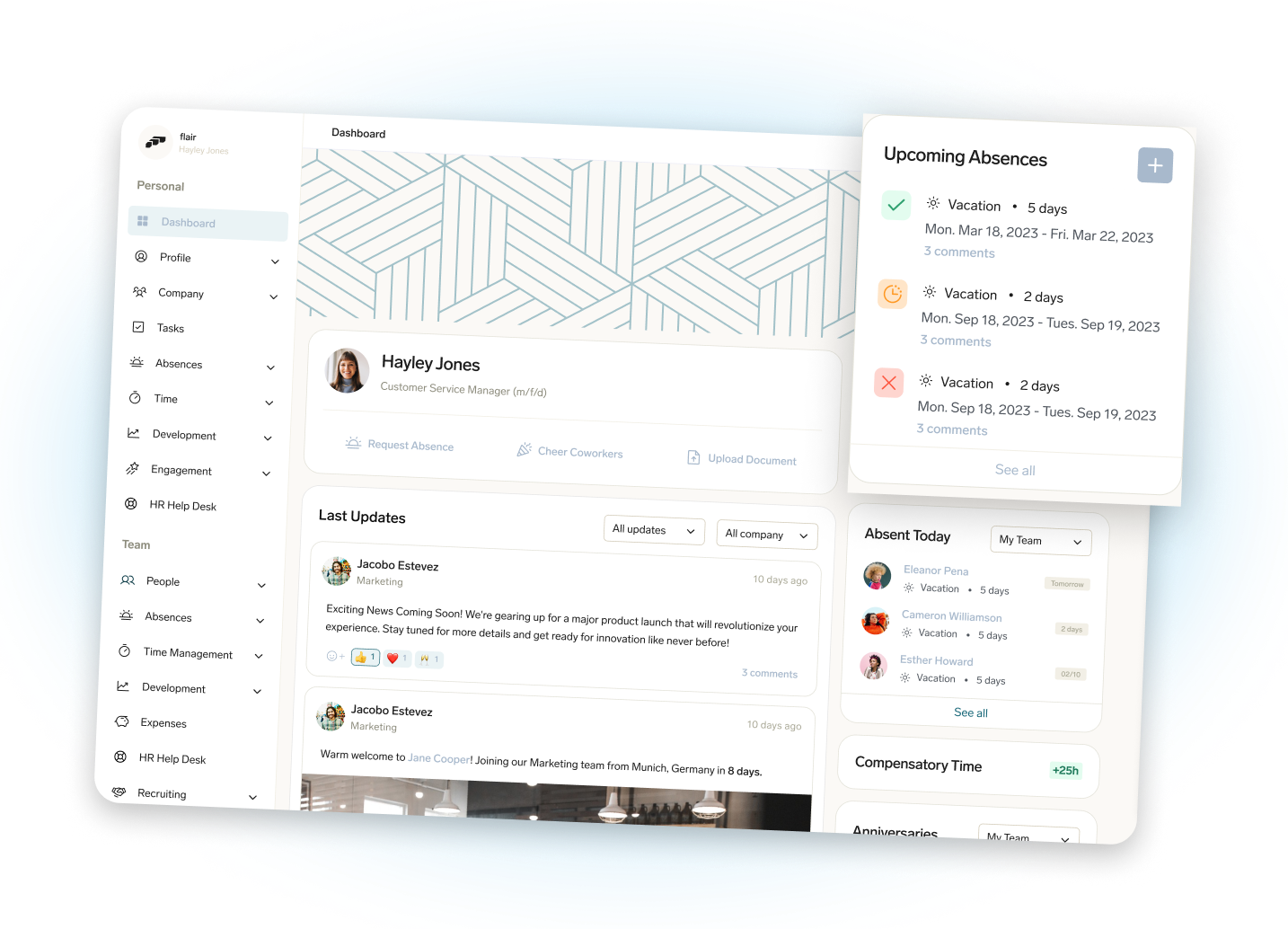


Ready to eliminate payroll fees, and simplify HR processes?
Discover how Sunrise HCM helps you automate payroll, HR, and billing with one secure and powerful Salesforce-native platform.

